
Last reviewed: November 2026. This guide is general information. App prices and availability change, so check the store listing before you rely on one.
Lists of “best AR and VR travel apps” go out of date quickly, and many apps on older lists no longer exist. This guide names a few established options, says what each is for, and then gives a way to judge any app yourself.
Key takeaways
- On a phone: camera translation in Google Translate, and museum guides such as Smartify, need no extra equipment.
- No headset needed to look around: Google Arts & Culture offers 360-degree tours on ordinary devices.
- In a headset: BRINK Traveler and Wander are paid apps for Meta Quest that show real places.
Apps for a phone
- Google Translate (camera). Point the camera at a sign or menu to translate it. Google’s help page warns that small, unclear or stylized text may not translate accurately.
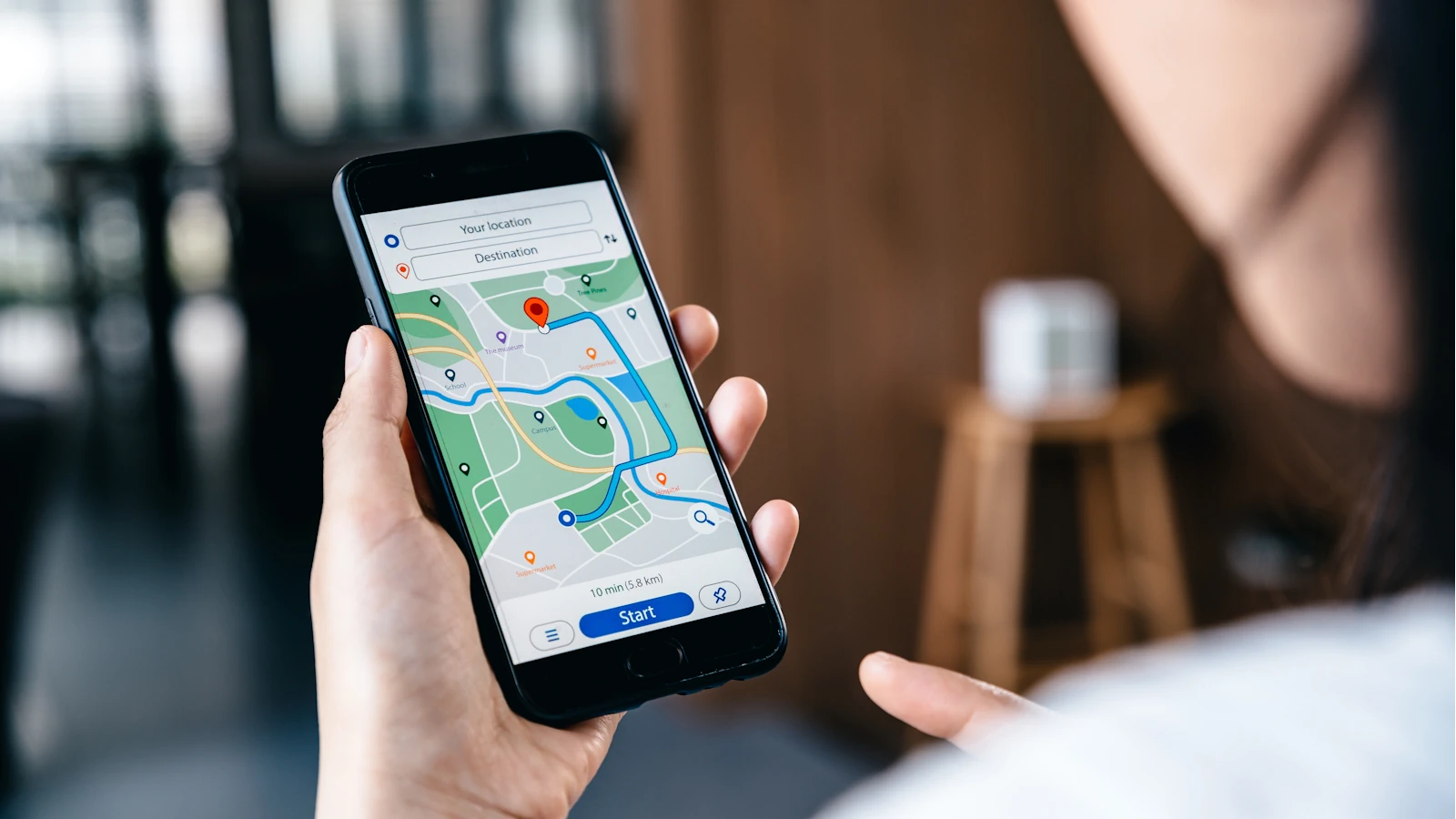
- Google Maps Live View. AR arrows over the camera view for walking directions, with indoor coverage at some airports and malls. See AR navigation for what a controlled study found.
- Smartify. A museum guide that recognizes artworks and objects through the camera. It is available as an iOS, Android and web app. smartify.org.
- Google Arts & Culture. Free 360-degree tours and museum collections on any device. artsandculture.google.com.
Apps for a headset
- BRINK Traveler (Meta Quest, PC VR). Walkable 3D scans of natural landmarks, made with photogrammetry and LiDAR. It launched in 2021 as a paid app, according to Meta. It covers natural locations, not cities.
- Wander (Meta Quest). Brings street-level panoramas into VR so you can stand almost anywhere in the world, including older imagery of the same spot. A review by MIXED describes it as a paid app on the Quest store. It uses Google Street View data but is not made by Google.
How to judge an app
- Is it still maintained? Check the date of the last update on the store listing.
- Does it work offline? Travelers often have no signal exactly where they need the app.
- What does it collect? AR apps use the camera and often location.
- Is it comfortable? A 2020 meta-analysis in Frontiers in Human Neuroscience found many headset users still report sickness symptoms, and that the type of content plays a significant role. Try a headset app seated first.
Our directory lists the companies behind these tools, and virtual travel from home covers who headset travel suits.
Common questions
Do I need a headset for virtual travel?
No. Google Arts & Culture offers free 360-degree tours on ordinary phones and computers. Headset apps such as BRINK Traveler and Wander give a stronger sense of being there but are paid and need a Meta Quest or similar device.
What AR apps are useful while traveling?
Camera translation in Google Translate, AR walking directions in Google Maps where they are available, and museum guide apps such as Smartify. All run on an ordinary phone.
Sources
- Google Translate Help. Translate images.
- Smartify. smartify.org.
- Meta. See the World From the Comfort of Home with ‘BRINK Traveler’.
- MIXED. Traveling back in time with Meta Quest is as fascinating as ever.
- Saredakis D, Szpak A, Birckhead B, Keage H A D, Rizzo A, Loetscher T. Factors Associated With Virtual Reality Sickness in Head-Mounted Displays: A Systematic Review and Meta-Analysis. Frontiers in Human Neuroscience, 2020.
Related guides from the ARVR Network
- VR Apps for Education: Free Options and How to Choose (ARVRedtech.com)